
Academic Calendar Planning in SharePoint
Estimated reading time: 4 minutes
When schedules change and plans need to keep up
A Calendar Planner usecase: Education, programme, and community organisations operate on schedules that are constantly evolving. Academic calendars shift. Events move. Programmes adjust. Availability changes. Planning fails when views don’t reflect reality. The problem is not maintaining dates; those are already tracked for operational reasons. The problem is that published views fall behind, and confidence in shared schedules erodes.
How Calendar Planner fits
Calendar Planner does not introduce a “master calendar” or require teams to adopt a new way of scheduling. Instead, it reflects the SharePoint lists that are already being maintained. When a date changes in the list, the planning view updates immediately. There is nothing to republish, no export to redo, and no additional maintenance. Multiple views such as grid, month, and timeline layouts allow different audiences to understand the same information in a way that suits them, without maintaining separate versions.
Why this feels low risk
- No rigid structure imposed
- No enforced workflow
- No specialist administration required
- Views adapt automatically as information changes
What this enables
- Greater trust in shared schedules
- Fewer “is this still correct?” conversations
- Reduced administrative effort
- Clear, accessible planning views embedded directly in SharePoint
Calendar Planner stays in step with reality because it does not own the data but reflects it.
This pattern fits naturally within universities, schools, training providers, and non-profit organisations that already depend on SharePoint for coordination.
An education scenario (FREE Edition)
A university department needs a central view of key academic dates and capital programme milestones, without editing or managing events from the calendar itself.
A simple annual view for academic planning
In many education environments, the priority is clarity rather than complex planning tools. Academic leaders and programme teams need to understand how the year is shaped, not manage another system.
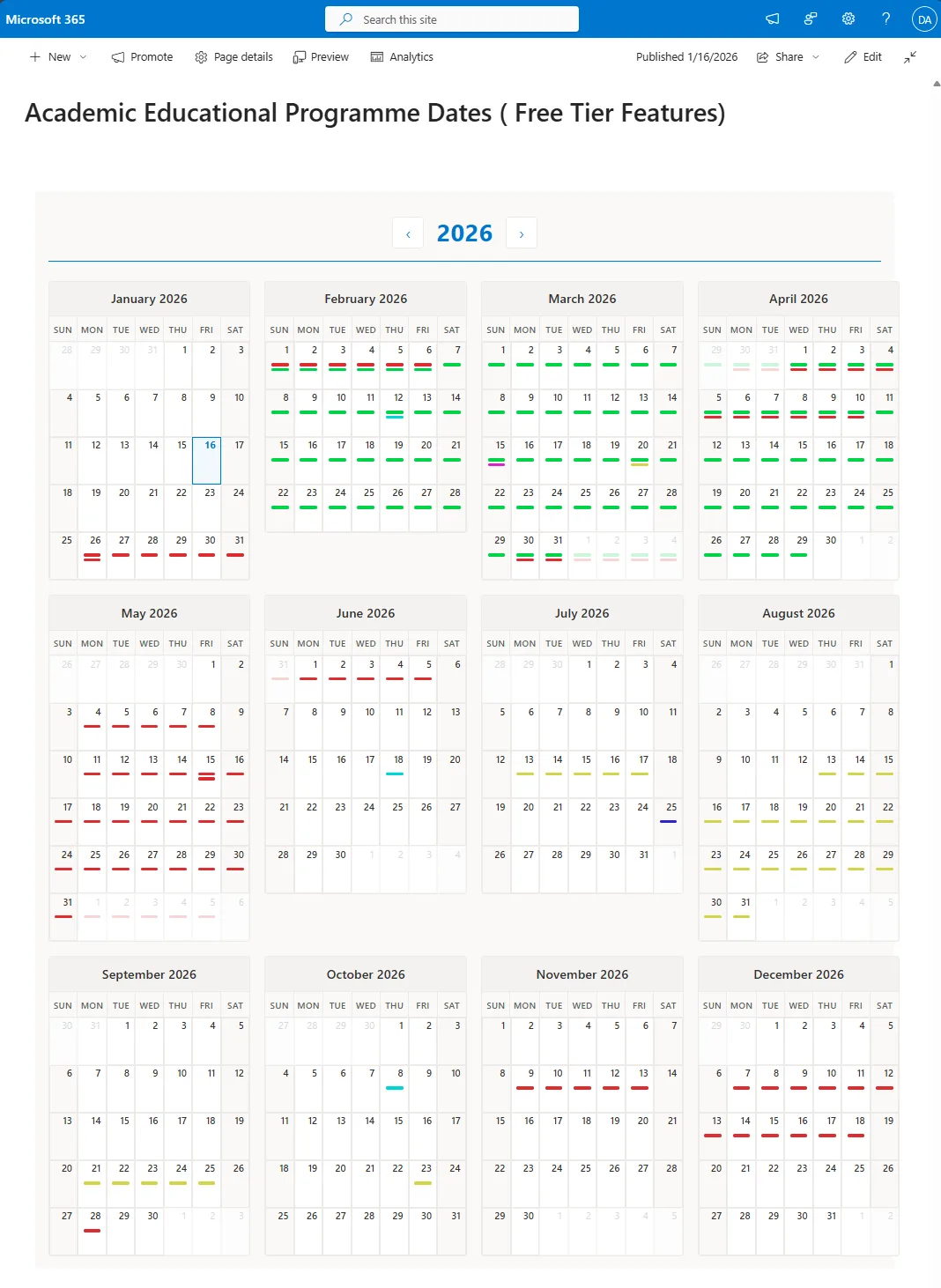
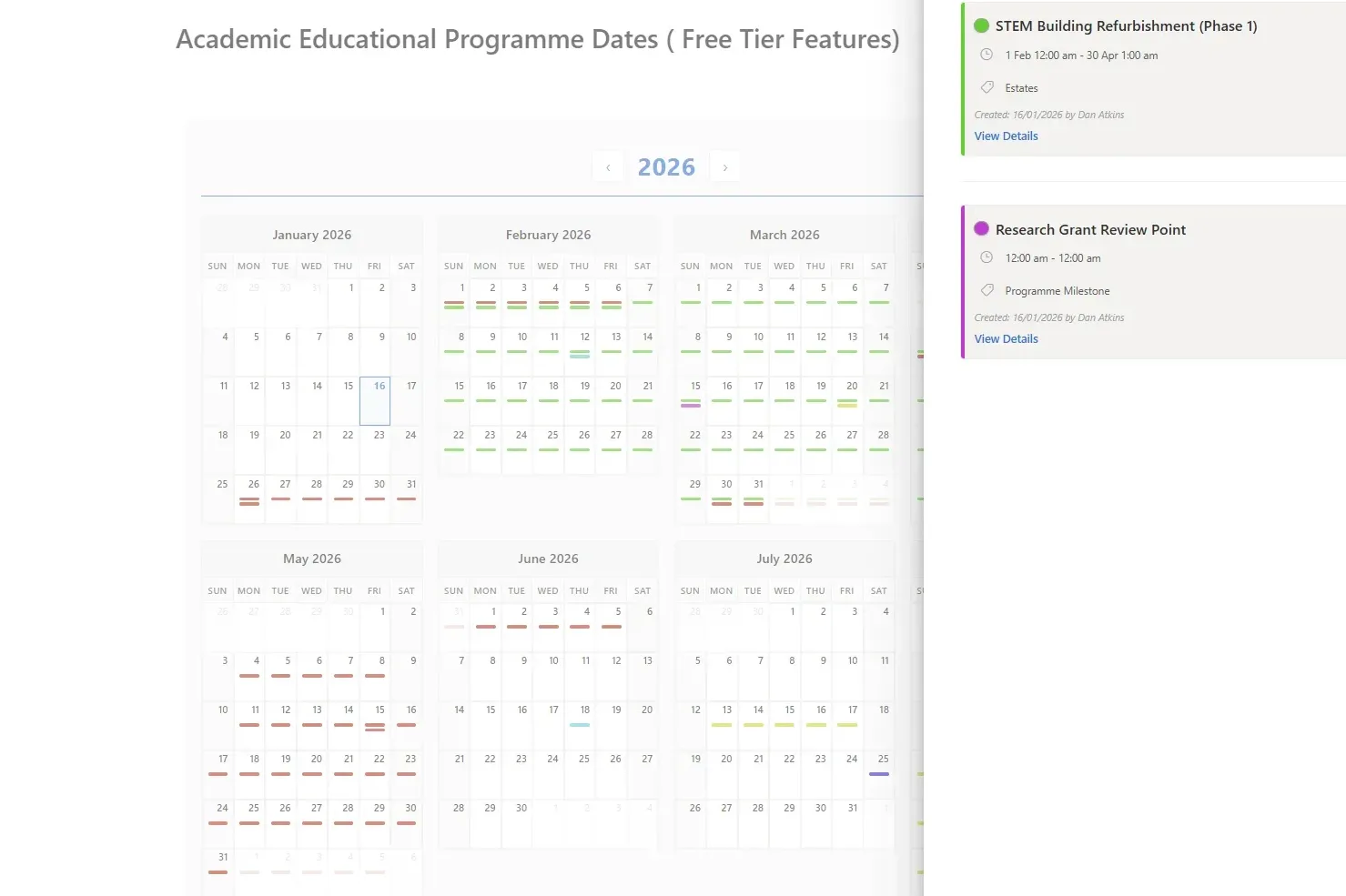
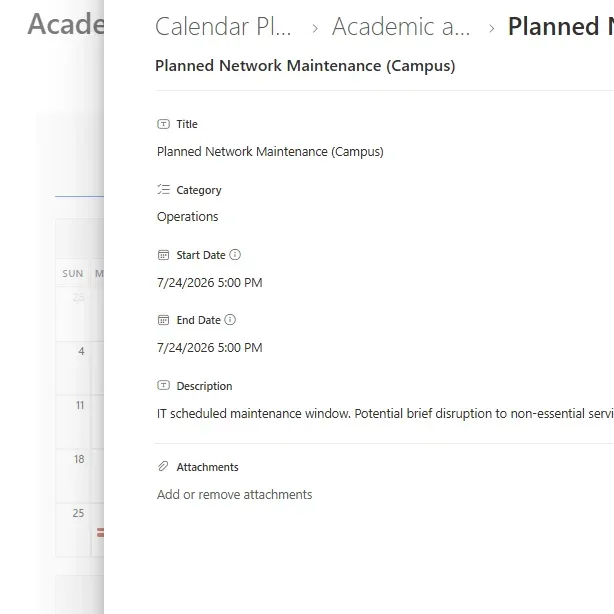
With the Free Calendar Planner tier, teams can see a single, shared annual view of key dates such as semester starts, programme milestones, open days and governance meetings. The information is shown directly from existing SharePoint lists, without introducing new systems or duplicating data.
The Year Grid view provides a clear picture of the year and the main commitments across programmes, embedded in a SharePoint page that teams already use.
Calendar Planner does not try to replace how organisations plan. It quietly improves how existing planning information is seen. There is no new system to manage, no data migration, and no lock-in. If it’s removed, nothing breaks. That’s why it fits naturally into organisations that value stability, governance, and gradual improvement.
To learn more about what Calendar Planner can do, go to its product page or download it now using the button below
‘Calendar Planner’ for SharePoint
FREE Edition
£0.00Get started with essential calendar visualisation
If you liked this insight, sign up FREE for our monthly newsletter and receive exclusive subscriber content:
‘JFDI Brief’
Sign up for the latest news, insights and whitepapers on how to modernise, migrate and build faster…
Latest news See all
The future of Locodium
Locodium is our software development platform, constantly evolving, gaining new features and capabilities with each released version. Supporting the advancement of full-scale business applications with an emphasis on long-term sustainability. Encouraging developers to think about systems as living structures, considering data, engagement rules, workflow, and an interface that evolves together. That philosophy continues to guide […]
How JAF became Locodium
Before our first development framework existed, JFDI was building complex, long-lived business systems. Solutions for clients who needed more than quick wins or throwaway applications. Over time, we observed more and more patterns. Not theoretical, but practical ones shaped by maintenance, change, scale, and the benefit of getting early decisions correct.
The JFDI Agentic Development Manifesto
The promise of AI-assisted development is being squandered. Every day, developers paste enterprise code into generic AI tools and receive plausible-looking output that fails on contact with reality. Hallucinated APIs. Invented functions. Patterns that existed in training data but not in production. The industry has accepted a 50% rework rate as normal – and called it “productivity gain.”