
Project and Programme Calendar Planning
Estimated reading time: 5 minutes
Keeping shared schedules aligned across teams
A Calendar Planner usecase: In healthcare, project delivery, and professional services environments, teams already track projects, services, and delivery windows. The information exists, but it is often stored as rows in a list. Overlaps, capacity constraints, and sequencing issues are hard to see until they become problems.
How Calendar Planner fits
Calendar Planner does not introduce a project management framework or impose a methodology.
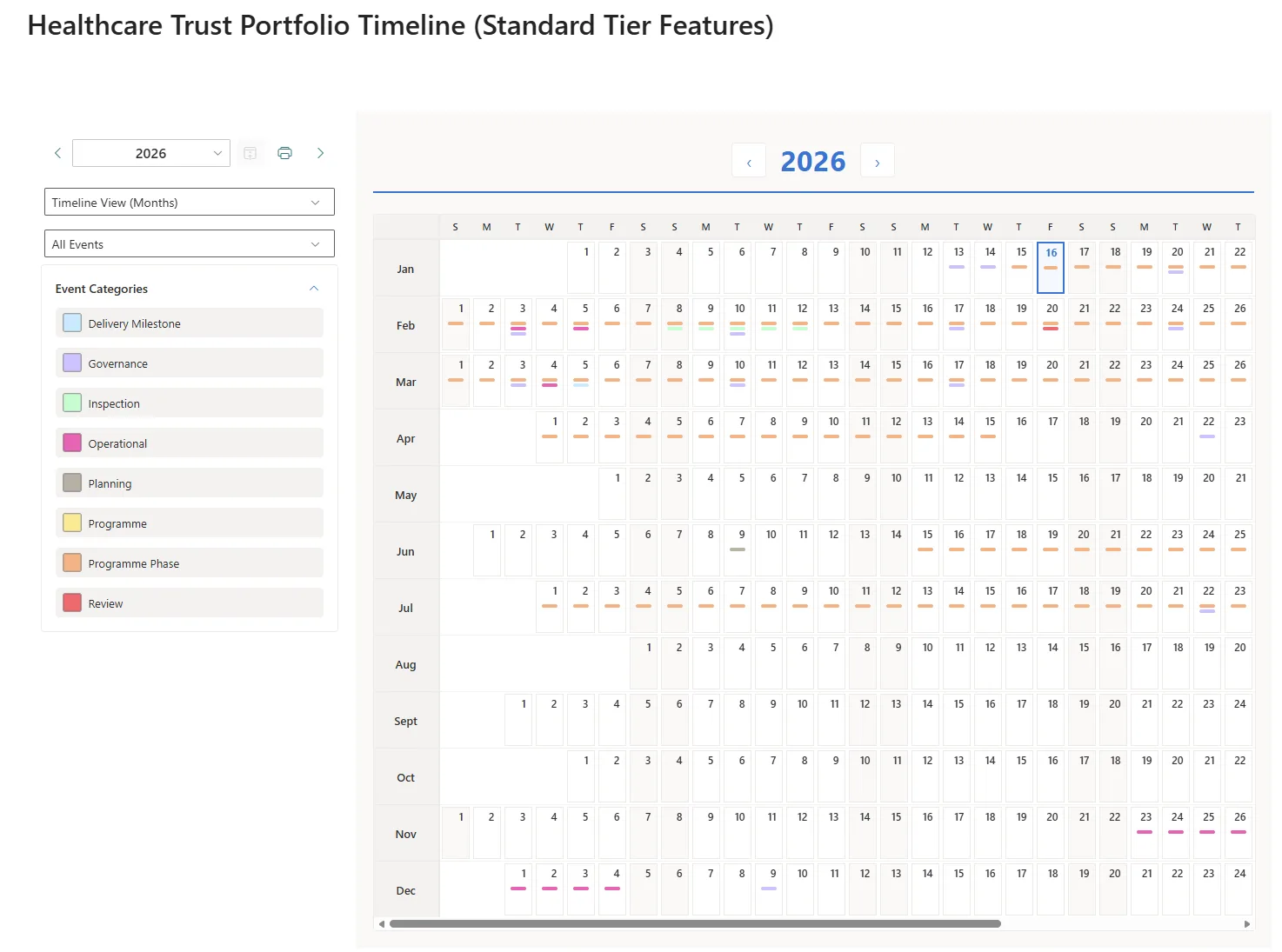
It simply visualises time-based relationships that already exist in SharePoint data. Timeline-style views make duration, overlap, and sequencing visible without changing how teams manage their work.
As plans change, the views update automatically. Teams continue working in SharePoint as they always have.
Why this feels low risk
- No new methodology to adopt
- No restructuring of data required
- No reliance on specialist roles
- Easy to remove without operational impact
- Calendar Planner adds insight without ownership
What this enables
- Earlier visibility of conflicts and capacity risks
- Better conversations before issues escalate
- Fewer surprises during delivery
- Improved coordination across teams
This approach works well for healthcare providers, PMOs, research organisations, consulting teams, and any environment where timing and coordination matter.
A project management scenario (Standard Edition)
A programme or PMO team needs to coordinate activity across the year and keep shared schedules accurate as plans change.
Keeping shared schedules aligned as plans evolve
In programme and delivery environments, dates change regularly. Reviews move, delivery phases shift and operational constraints emerge. When shared views fall behind reality, confidence in those views quickly drops.
With the Standard Calendar Planner tier, teams can present existing SharePoint planning information through interactive month and timeline views that update automatically as changes are made. The same underlying data can be viewed in different ways, depending on the audience and the level of detail required.
This allows teams to maintain a single source of planning information while giving stakeholders a view that stays in step with day-to-day changes, without maintaining multiple versions or republishing schedules.
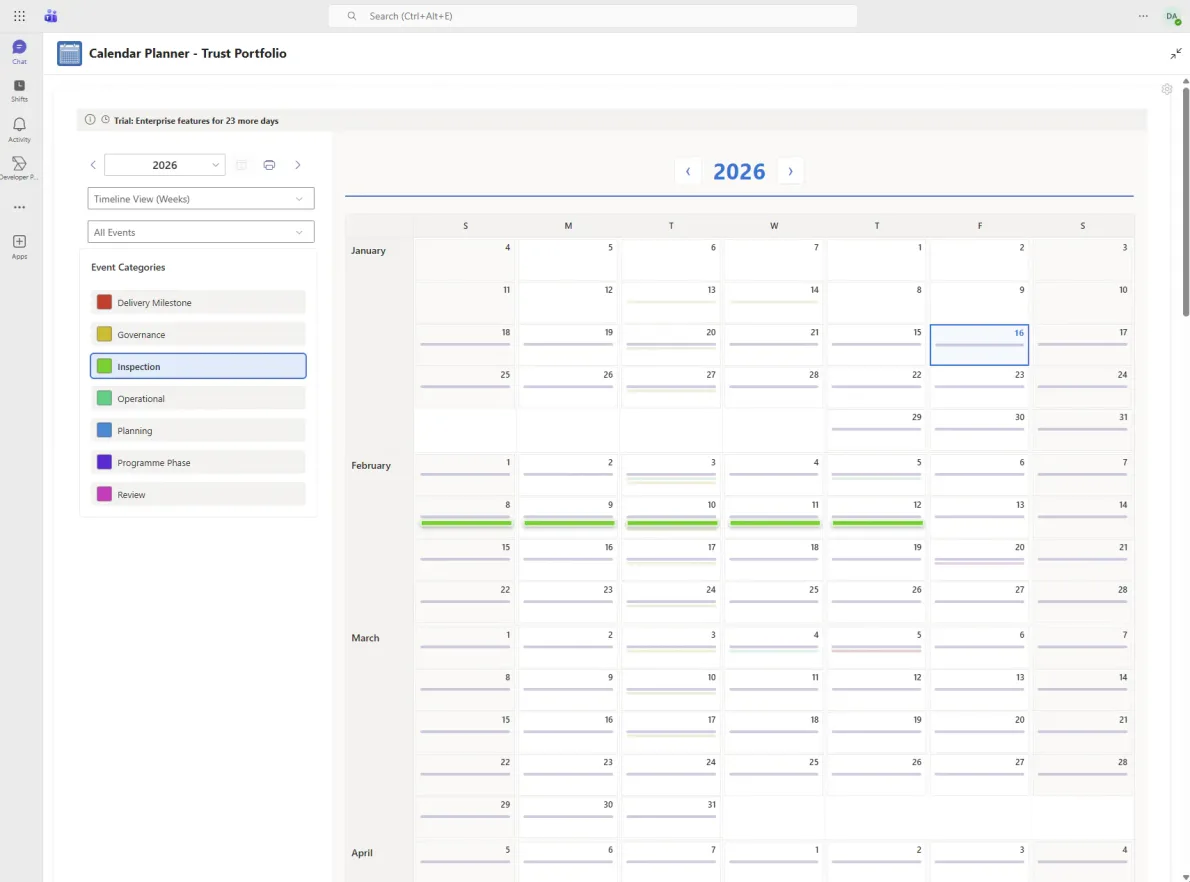
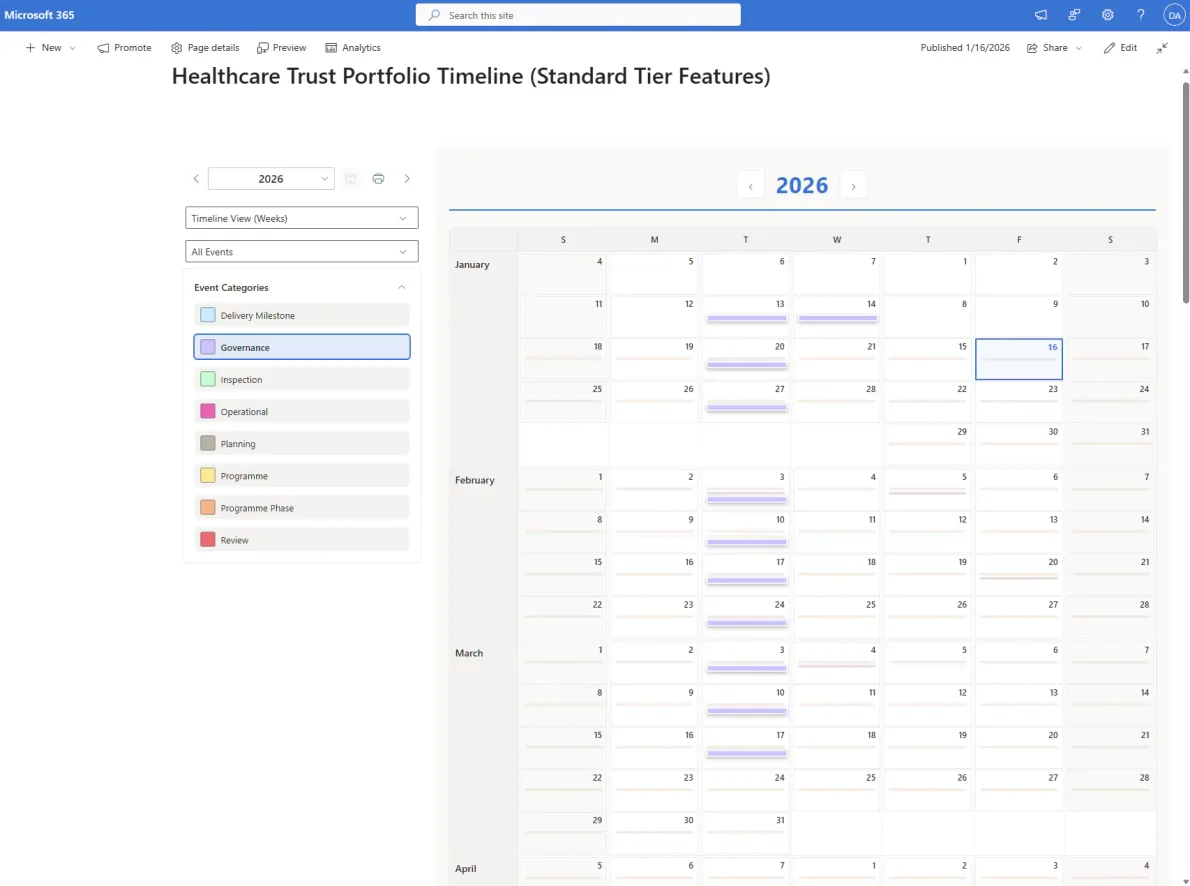
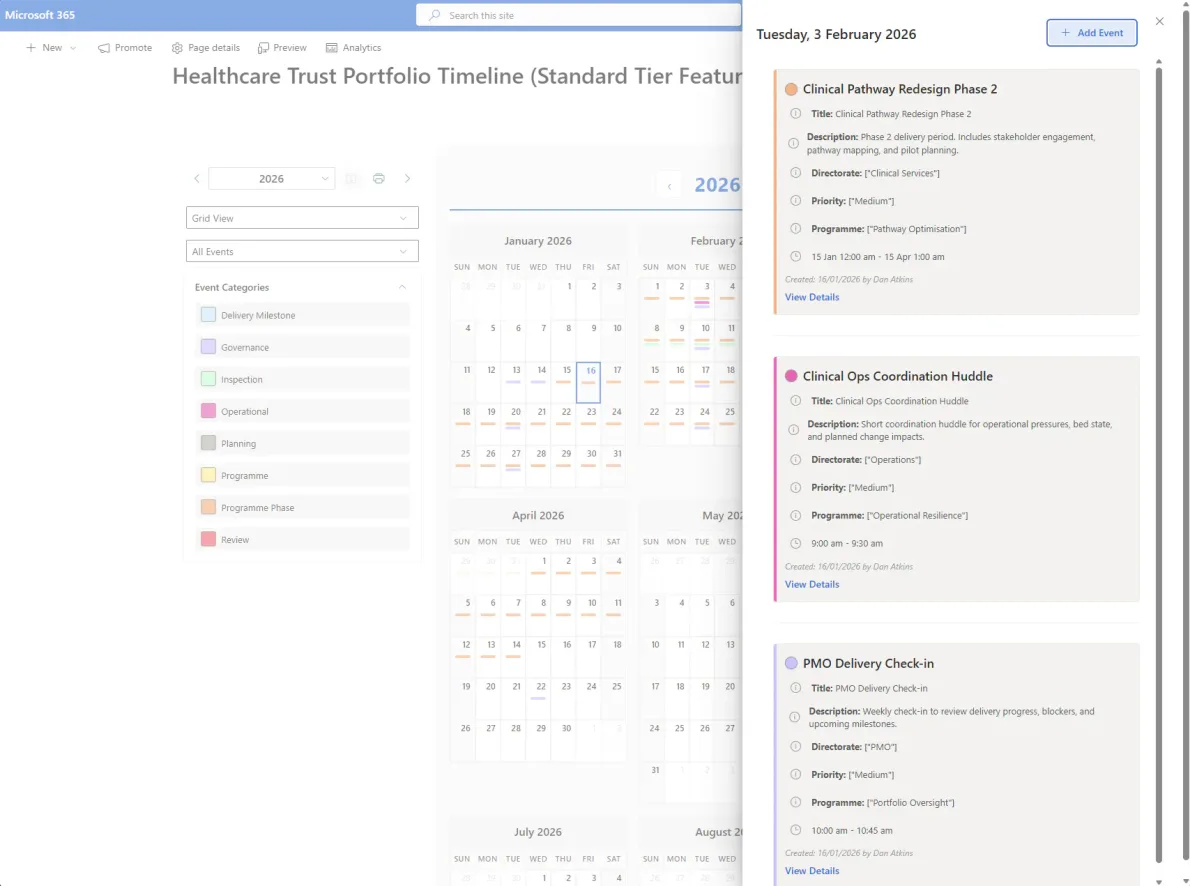
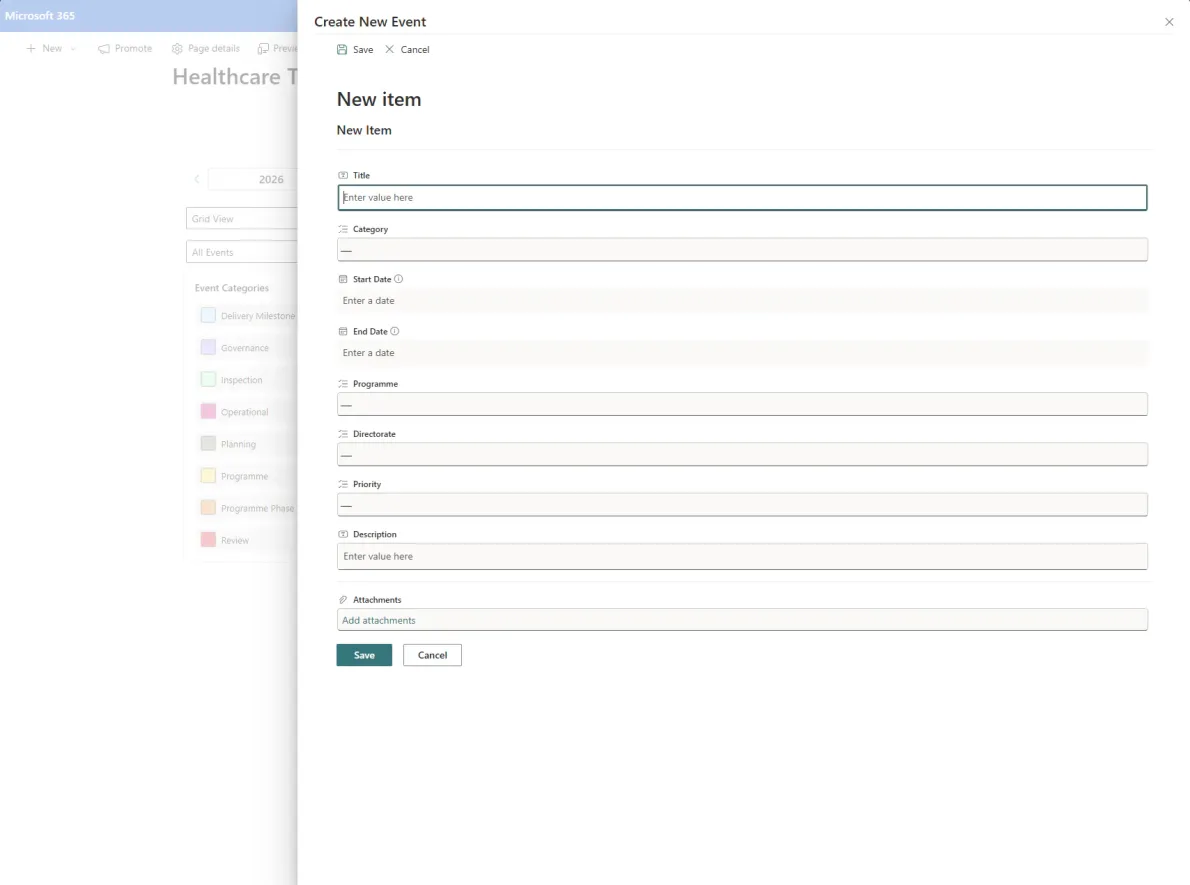
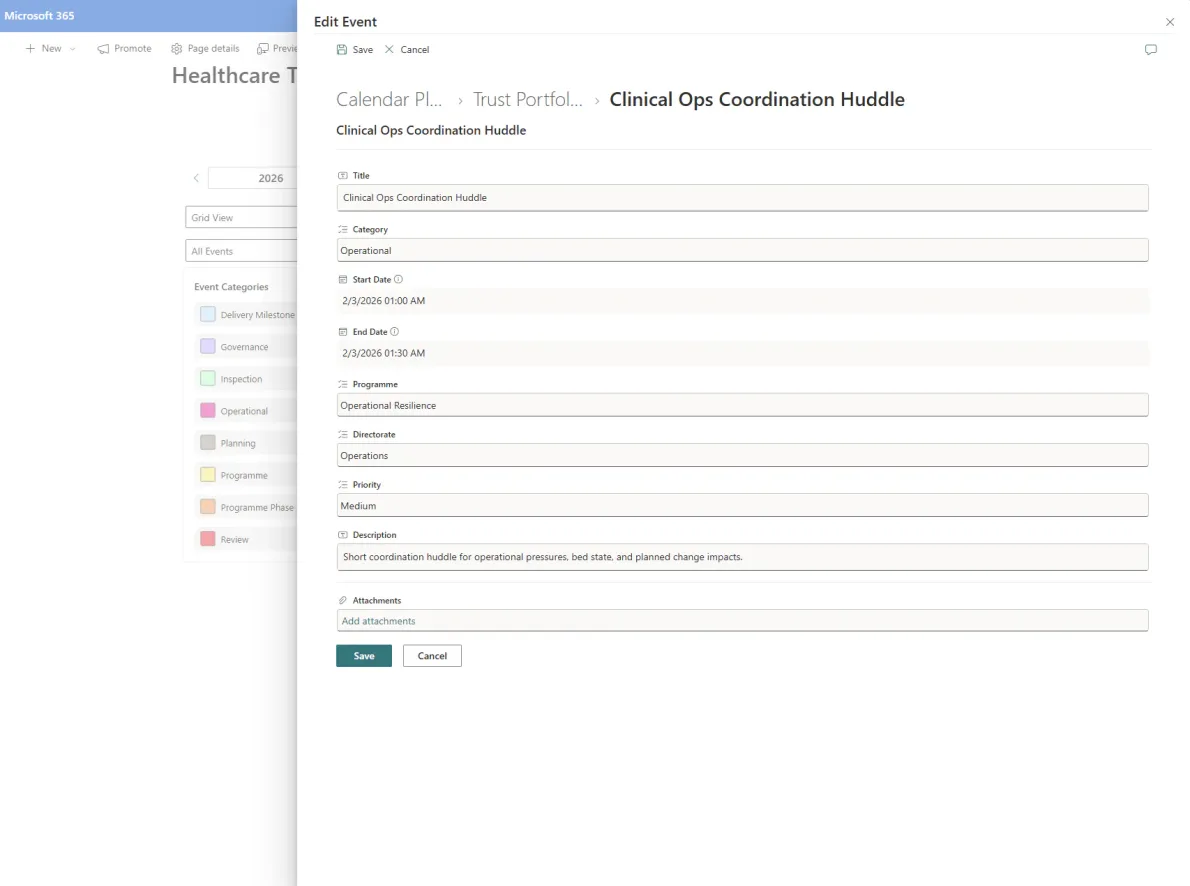
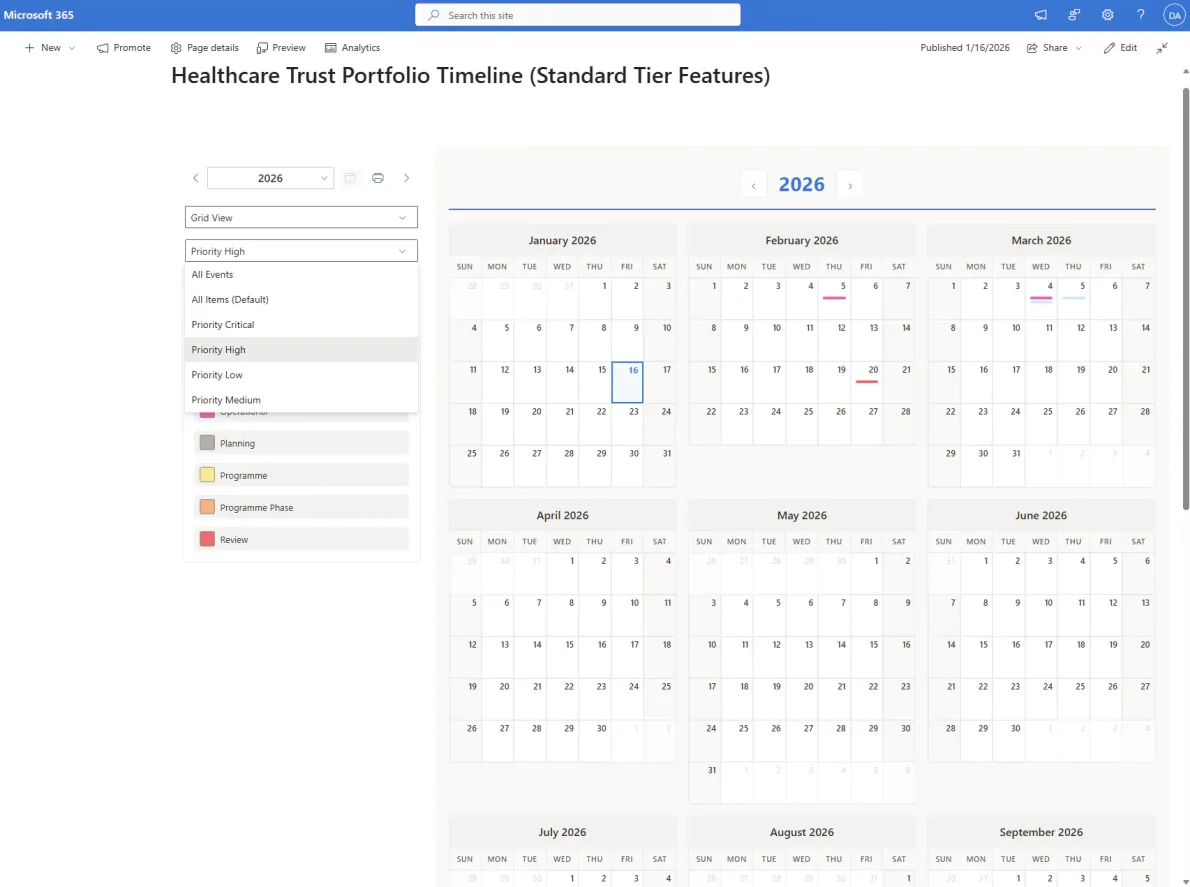
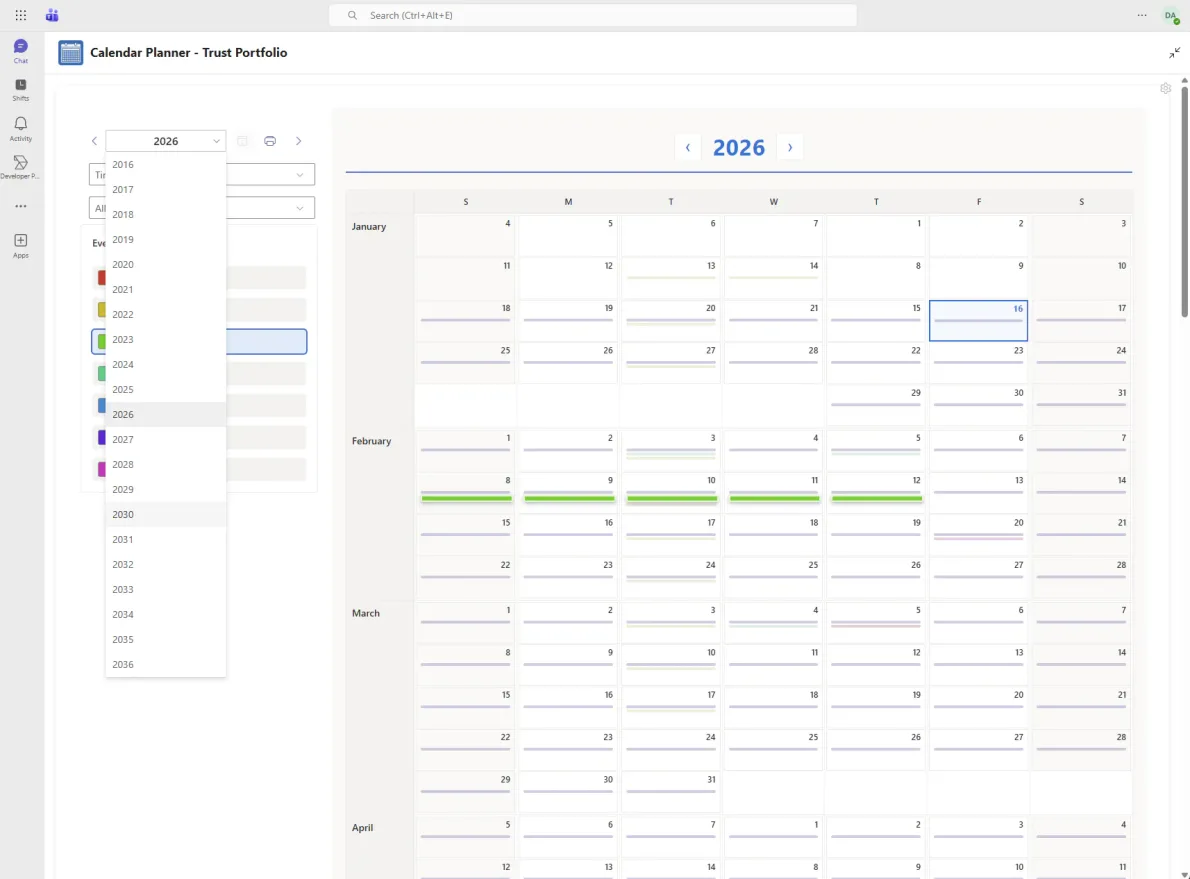
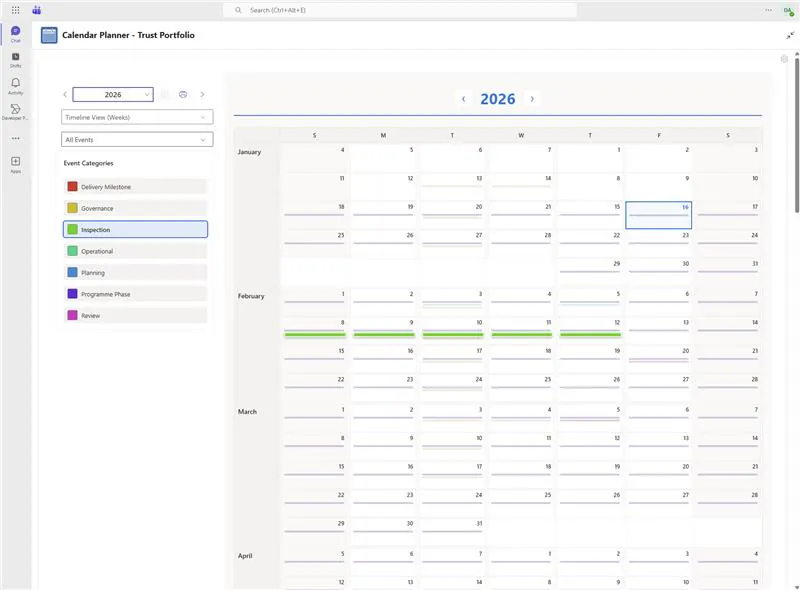
Calendar Planner does not try to replace how organisations plan. It quietly improves how existing planning information is seen. There is no new system to manage, no data migration, and no lock-in. If it’s removed, nothing breaks. That’s why it fits naturally into organisations that value stability, governance, and gradual improvement.
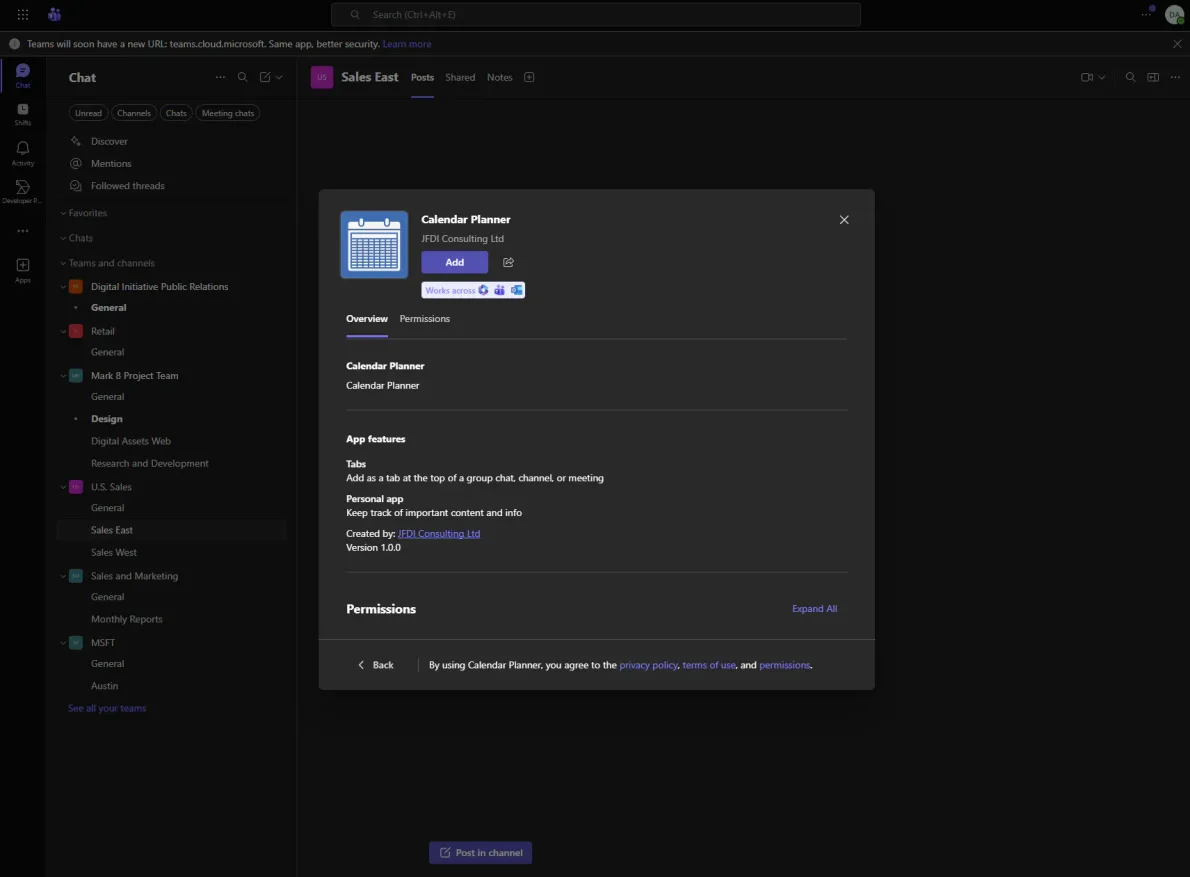
To learn more about what Calendar Planner can do, go to its product page or download it now using the button below
‘Calendar Planner’ for SharePoint
Standard Edition
£2.28Everything in Free, plus powerful planning tools
If you liked this insight, sign up FREE for our monthly newsletter and receive exclusive subscriber content:
‘JFDI Brief’
Sign up for the latest news, insights and whitepapers on how to modernise, migrate and build faster…
Latest news See all
The future of Locodium
Locodium is our software development platform, constantly evolving, gaining new features and capabilities with each released version. Supporting the advancement of full-scale business applications with an emphasis on long-term sustainability. Encouraging developers to think about systems as living structures, considering data, engagement rules, workflow, and an interface that evolves together. That philosophy continues to guide […]
How JAF became Locodium
Before our first development framework existed, JFDI was building complex, long-lived business systems. Solutions for clients who needed more than quick wins or throwaway applications. Over time, we observed more and more patterns. Not theoretical, but practical ones shaped by maintenance, change, scale, and the benefit of getting early decisions correct.
The JFDI Agentic Development Manifesto
The promise of AI-assisted development is being squandered. Every day, developers paste enterprise code into generic AI tools and receive plausible-looking output that fails on contact with reality. Hallucinated APIs. Invented functions. Patterns that existed in training data but not in production. The industry has accepted a 50% rework rate as normal – and called it “productivity gain.”